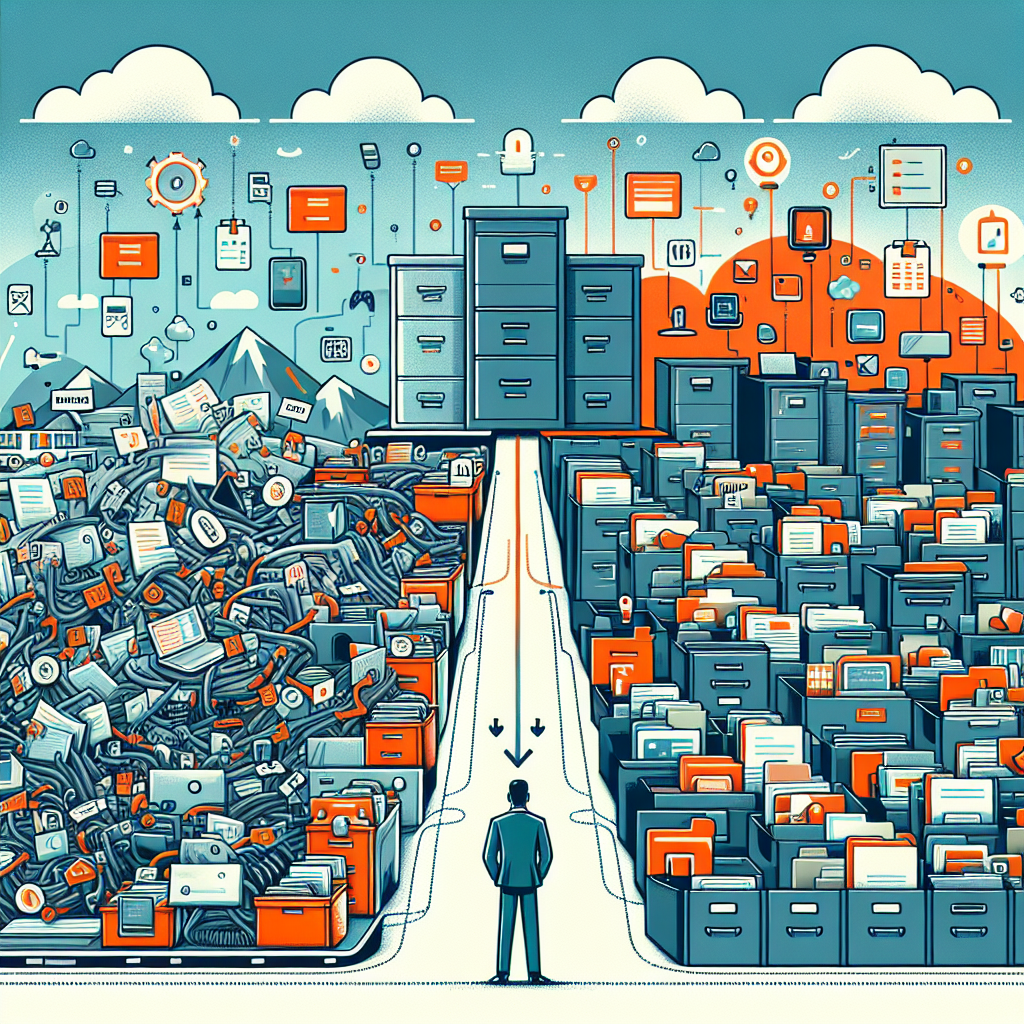
Why Enterprises Are Replacing Shared Drives with Modern Document Management Systems (2026)
In 2026, the shared drive still “works” until it doesn’t—usually at the worst possible moment: a customer escalation, an audit request, or a product release that depends on the latest approved spec. Enterprises are increasingly moving away from file servers and generic cloud folders because they cannot deliver the governance, security, and measurable control required today.
A modern document management system is no longer a nice-to-have repository. It is a control plane for content: metadata indexing, version control, secure document workflow, and an audit trail that proves who did what, when, and why. When combined with enterprise content management practices and strong document governance, it transforms content from “files in folders” into trusted business assets.
If you’re evaluating platforms, start with the product overview on Hridayam’s enterprise DMS solution, then dive deeper into architecture and operating models via the ECM guide.
Shared drives fail the “trust test” in modern operations
Shared drives were designed for storage and basic access—not for cross-functional accountability. As teams scale and work becomes more distributed, the gaps show up in predictable ways:
- Unreliable version control: multiple “final_v7_reallyfinal” documents undermine decision quality and rework costs.
- Weak audit trail: administrators can see access logs, but business-level evidence is hard to reconstruct during audits.
- Inconsistent metadata indexing: folder names become pseudo-taxonomies, reducing search precision and increasing duplication.
- Limited document governance: retention, legal hold, and approval policies remain manual, fragmented, or unenforced.
- Fragmented secure document workflow: approvals happen in email, chats, and spreadsheets—outside the system of record.
What “modern DMS” means in 2026 (beyond a repository)
Modern platforms look more like an enterprise content management layer than a file cabinet. They coordinate capture, classification, routing, approvals, retention, and integrations—while making compliance and security measurable.
A credible document management system roadmap in 2026 typically includes:
- Metadata-first design: automated metadata indexing with templates, inheritance, and validation rules.
- Policy-driven document governance: retention schedules, legal holds, and disposition with defensible controls.
- Secure document workflow: configurable approvals, tasks, SLAs, and exception handling—tied to content objects.
- Provable audit trail: immutable event history for viewing, editing, approvals, e-sign steps, and exports.
- Non-negotiable version control: check-in/out, parallel review patterns, and “single source of truth” publishing.
- Integration fabric: connectors and APIs for ERP/CRM, identity providers, email, RPA, and analytics.
Enterprises that treat enterprise content management as a discipline—rather than a tool purchase—also align process owners and risk teams early. The Governance & compliance guide is a practical reference for mapping regulatory requirements to document governance, audit trail evidence, and retention controls.
Comparison: shared drives vs. modern DMS in enterprise reality
| Capability | Shared Drives | Modern Document Management System |
|---|---|---|
| Version control | Manual naming conventions; high conflict risk | Built-in version control with review/publish states |
| Audit trail | IT logs; weak business context | Content-centric audit trail for actions, approvals, and exports |
| Metadata indexing | Folders and filenames as “metadata” | Structured metadata indexing + validation + search facets |
| Secure document workflow | External approvals via email/chat | Embedded secure document workflow with roles, SLAs, and controls |
| Document governance | Ad hoc retention and access practices | Policy-based document governance with retention and legal hold |
| Enterprise content management readiness | Limited; content silos persist | Designed for enterprise content management and cross-system integration |
The new blueprint: from “folder sprawl” to governed content products
Enterprises getting the most from a document management system are adopting a “content product” mindset: define ownership, metadata, lifecycle states, and measurable controls per document type (e.g., SOPs, contracts, invoices, engineering drawings). This is where enterprise content management becomes operational rather than aspirational.
A pragmatic 2026 migration path often looks like this:
- Inventory and risk-rank: identify content with regulatory impact and map document governance requirements.
- Design metadata: create a minimum viable taxonomy and enforce metadata indexing at capture and upload.
- Standardize lifecycle: draft → review → approve → publish → retain/dispose; this anchors version control.
- Automate workflows: implement secure document workflow for approvals, exceptions, and escalations.
- Instrument evidence: define what your audit trail must prove for internal audits and external regulators.
- Integrate systems: connect identity, ERP/CRM, and line-of-business apps to reduce duplicate entry and shadow repositories.
AI is now part of that blueprint—not as a “chat layer,” but as operational automation. For example: classification suggestions, extraction of key fields, policy warnings, and workflow routing based on content signals. For implementation patterns, see the AI automation guide.
When organizations implement document governance well, they also reduce security exposure: fewer over-permissioned folders, fewer orphaned files, and fewer uncontrolled exports. A modern document management system supports least-privilege access, encryption, and policy-based sharing, while keeping a complete audit trail for investigations and audits.
Where Hridayam fits: practical modernization without disruption
Hridayam Soft Solutions approaches modernization as an operating-model upgrade, not a single migration event. That means aligning people, policies, and platforms so enterprise content management becomes repeatable across departments—finance, HR, legal, QA, engineering, and customer operations.
If you’re exploring platforms, review Hridayam Soft for implementation and advisory, and consider ShareDocs Enterpriser for enterprise-grade content control. For solution specifics, the enterprise DMS page outlines core capabilities around secure document workflow, version control, metadata indexing, and compliance-ready audit trail.
FAQ: replacing shared drives with a modern DMS
1) Is a document management system the same as enterprise content management?
A document management system is often the core repository and control layer, while enterprise content management is the broader strategy: multi-content types, integrations, governance, and lifecycle across the enterprise. In 2026, the best DMS platforms are ECM-ready by design.
2) How do we prove compliance during an audit?
Define the evidence requirements upfront (who approved, when, which version, and what policy applied). Then configure audit trail, version control, and document governance so the system can generate defensible reports without manual reconstruction.
3) What’s the fastest way to improve findability after migration?
Prioritize metadata indexing for high-value document types and enforce it at ingestion. Pair structured metadata with templates and automated extraction, so search and filtering improve immediately—without relying on folder naming.
4) How do we keep workflows secure without slowing teams down?
Use secure document workflow patterns that match real work: parallel reviews, role-based approvals, exception routing, and time-bound access. Security improves when controls are embedded in the flow, and audit trail visibility reduces back-and-forth.
Ready to replace shared drives with governed, automated content control?
Move beyond folders to a document management system built for enterprise content management, measurable document governance, and scalable secure document workflow—with reliable version control, metadata indexing, and a complete audit trail.
Request a Demo


No comments:
Post a Comment